
Every trip, one day at a time.
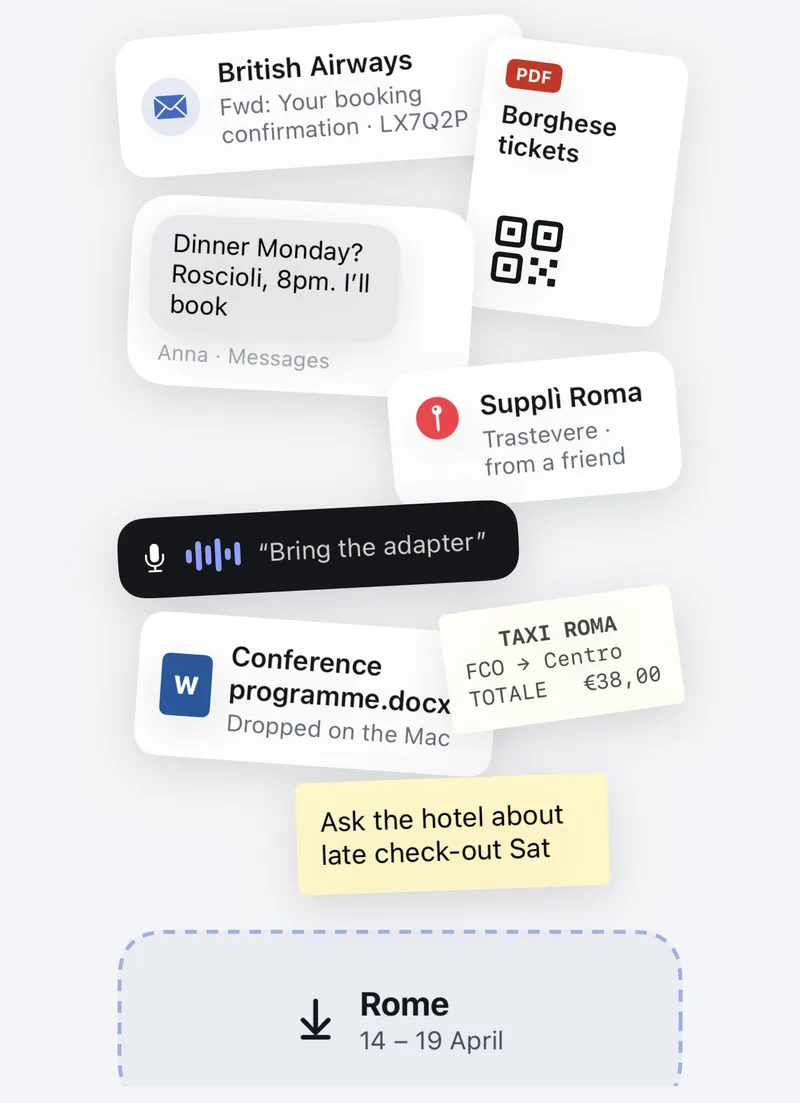
The flight confirmation, the hotel's email, the museum tickets, the restaurant a friend texted you, the taxi receipt. Give them to Atlas any way you like and it files each one on the right day of the right trip, once.
Free. No account, no ads. Your trips live in your own iCloud.
iPhone and iPad: email me to join the TestFlight beta.
However it reaches you.
- Forward the emailSend a booking confirmation to Atlas's address and it arrives on the trip, read, with the email itself kept as it looked.
- Share a PDF, a screenshot or a linkFrom Mail, Safari, Files or Photos. Atlas reads it and makes the flight, the hotel or the tickets out of it, one row each.
- Drop it on the MacA PDF, a picture, a Word file or a link dragged onto the window is read the same way.
- Scan it, say it, type itScan a paper ticket with the camera. Say "dinner with Anna Monday night" and the note lands on Monday evening. Type "bring the adapter" and it goes on the list for before you leave.
- Photograph a receiptThe amount, the shop and the date are read on your phone, and the date decides which trip it belongs to.
Four tabs. Nothing in two places.
Trip, Places, Tickets and Receipts. Each thing appears once, on its day, and the day you're on comes first.
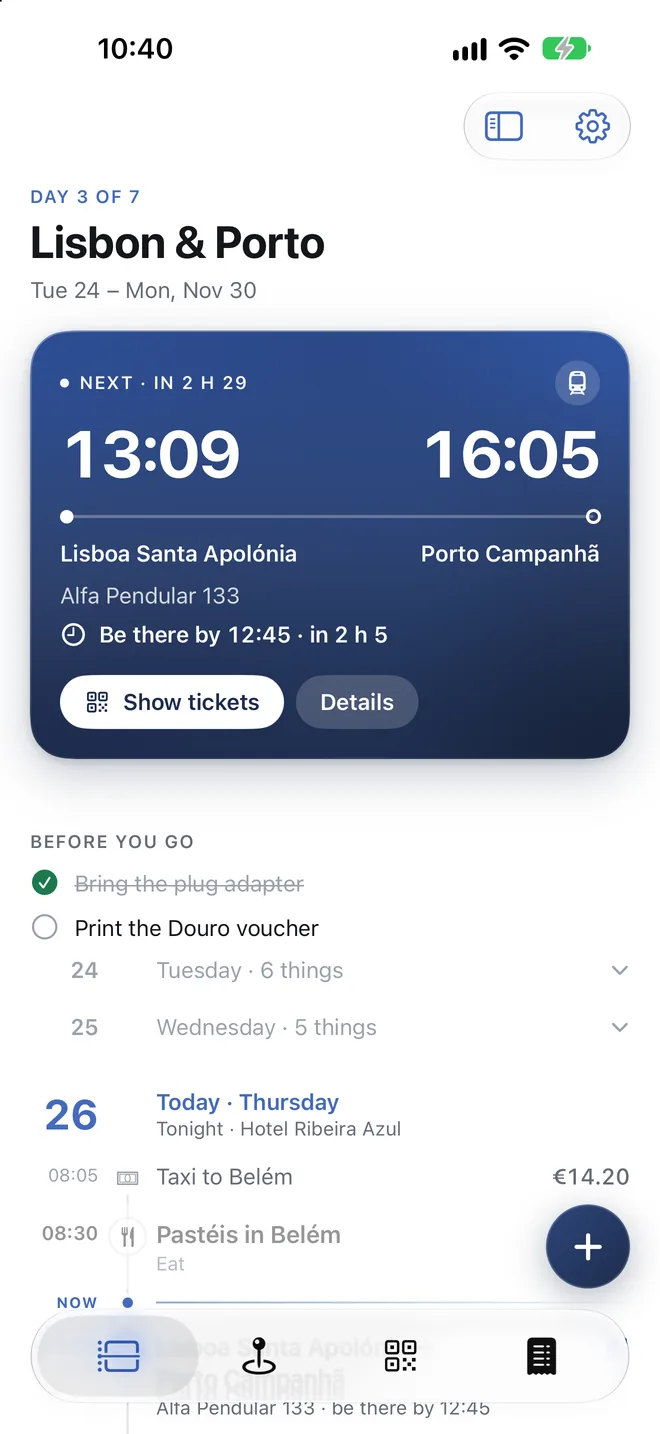
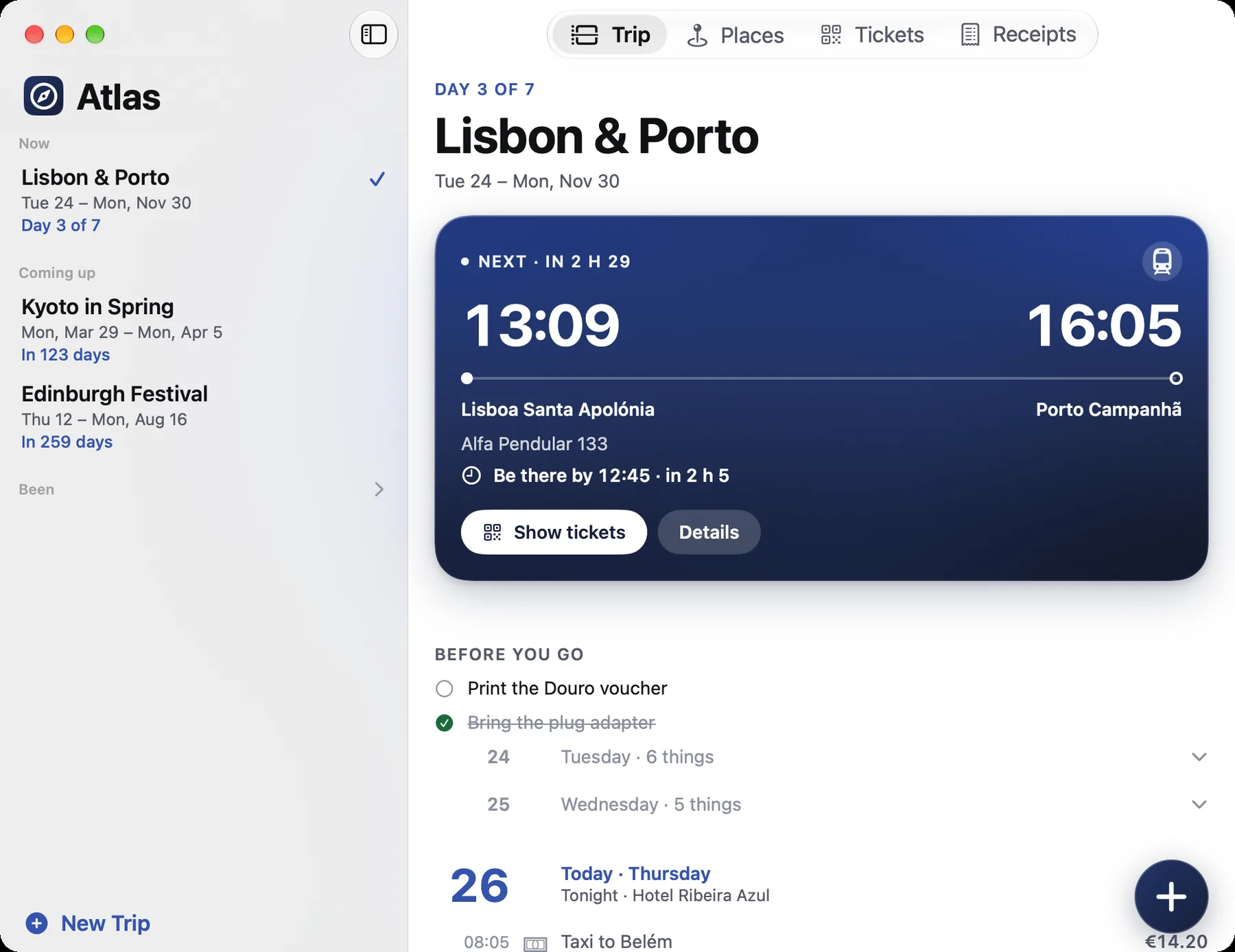
The Trip tab. On the day, the card at the top is the next thing to do, with how long you have and the ticket one tap away.
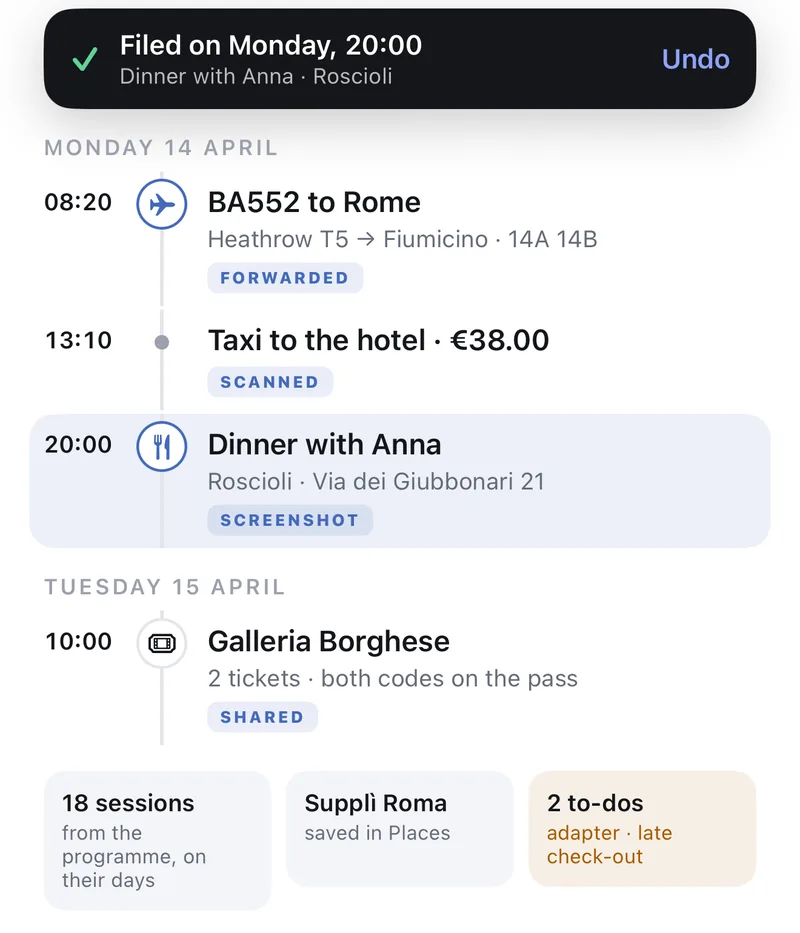
It finds the day. You check it.
- The right trip, by the dateShare a ticket while a different trip is open and Atlas moves it to the trip its date is in, and tells you. One tap puts it back.
- Never doubledThe same flight number on the same day, the same booking reference, the same hotel on the same nights: those are joined into one, with every email and PDF kept under it. Anything less sure stays as two rows for you to decide.
- A banner, and UndoEvery filing says where it went. If it's wrong, Undo, or move it to another day from its page.
- Nights with no roomA night with nowhere to sleep is pointed out, with a one-tap fix when a stay was simply extended.
The same list, from planning to home.
Months out it's a plan. On the day it's what's next. Afterwards it's what you did, with your photos under it.
The Now card
The next thing with a time: when to be there, how long you have, and a moving line while you're under way. Before the trip it's your way out, with where you're staying.
Alerts that know the difference
Three hours before a flight, half an hour before a train's "be there by", the night before an early start. Never for a hotel, never twice.
Places near the hotel
Restaurants, bars, coffee and sights within a twenty-minute walk of where you're staying, saved with one tap and put on a day when you decide.
Your photos, under what you did
Once the trip has begun, photos from your library appear under the thing they were taken at, by time and place. Read on your device and never copied.
The hotel bill, found
Sign in to Gmail (read-only) and Atlas looks for each hotel's final bill after you check out, and files it with its stay.
Expenses in a minute
A PDF with every receipt's picture and a spreadsheet, totalled per currency and never converted behind your back.
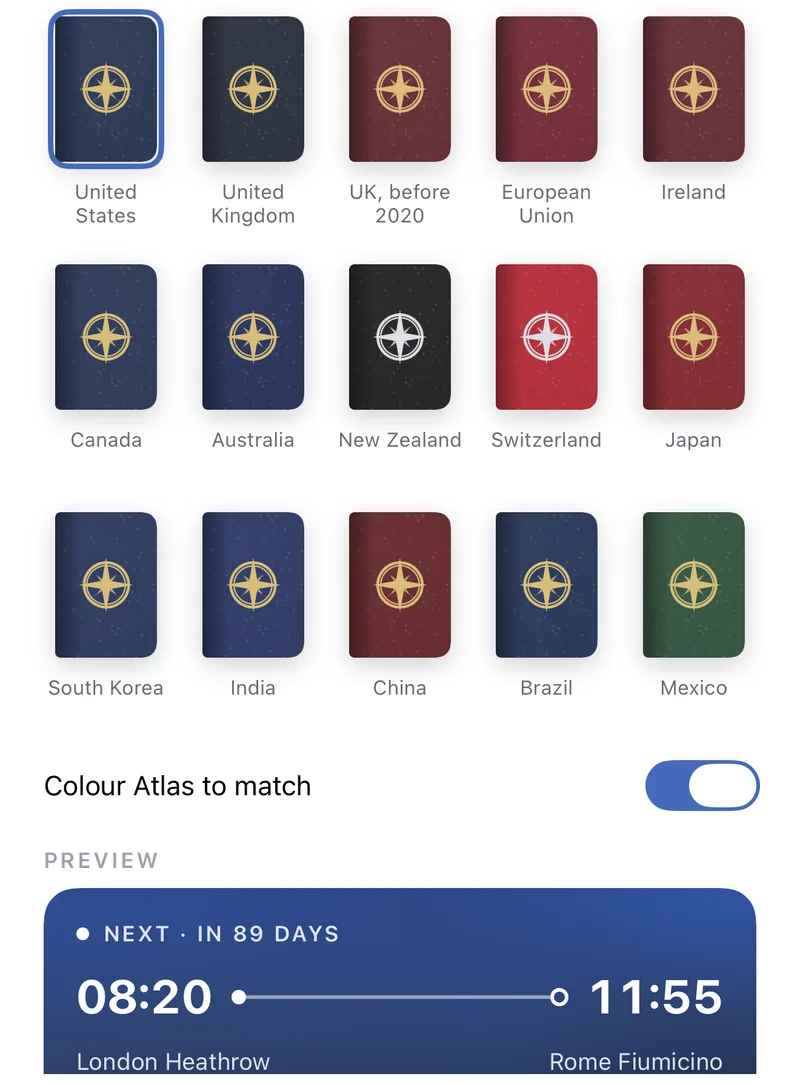
In the colour of your own passport.
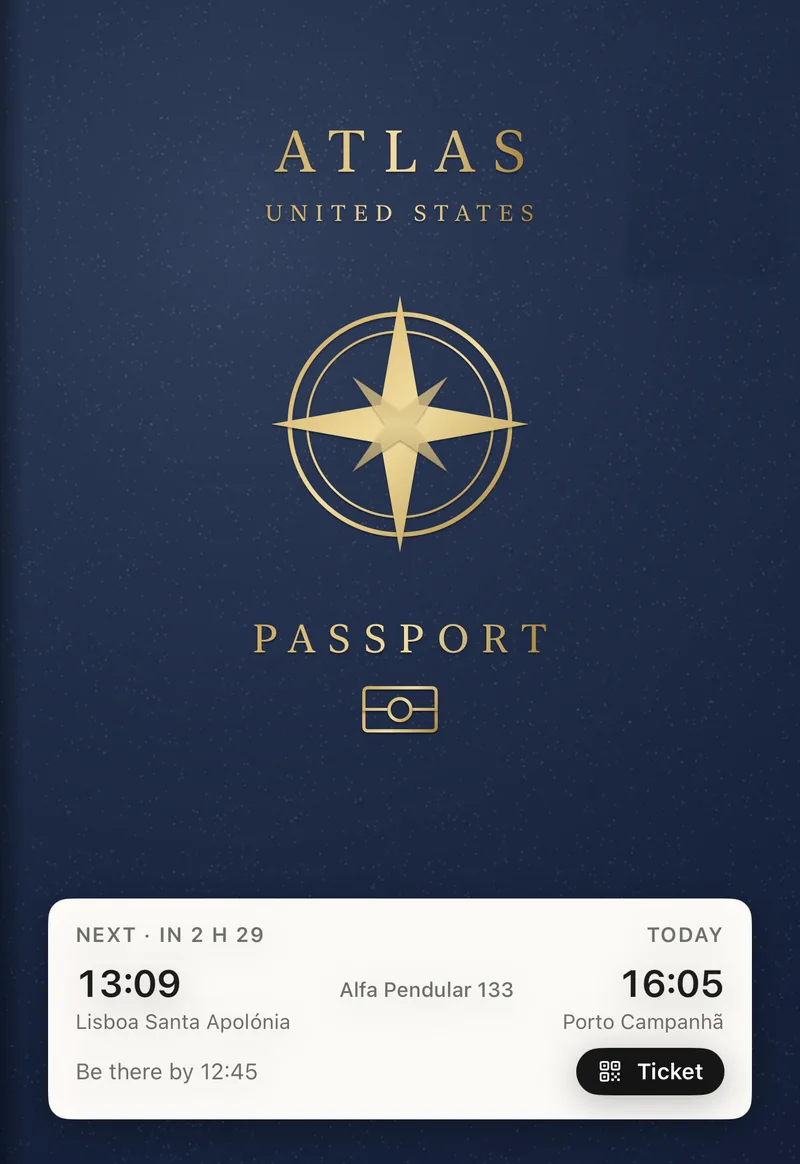
Pick your country's passport and Atlas takes its colour, from the Now card to the tickets' ground. On an iPhone Duo's outer screen and when the Mac app opens, Atlas greets you with the cover itself and a boarding slip for what's next.
The trip in your pocket, the paperwork on your desk.
With iCloud on, every device has the same trips, privately, in your own account. The Mac is where the paperwork goes in; the phone is what you carry.
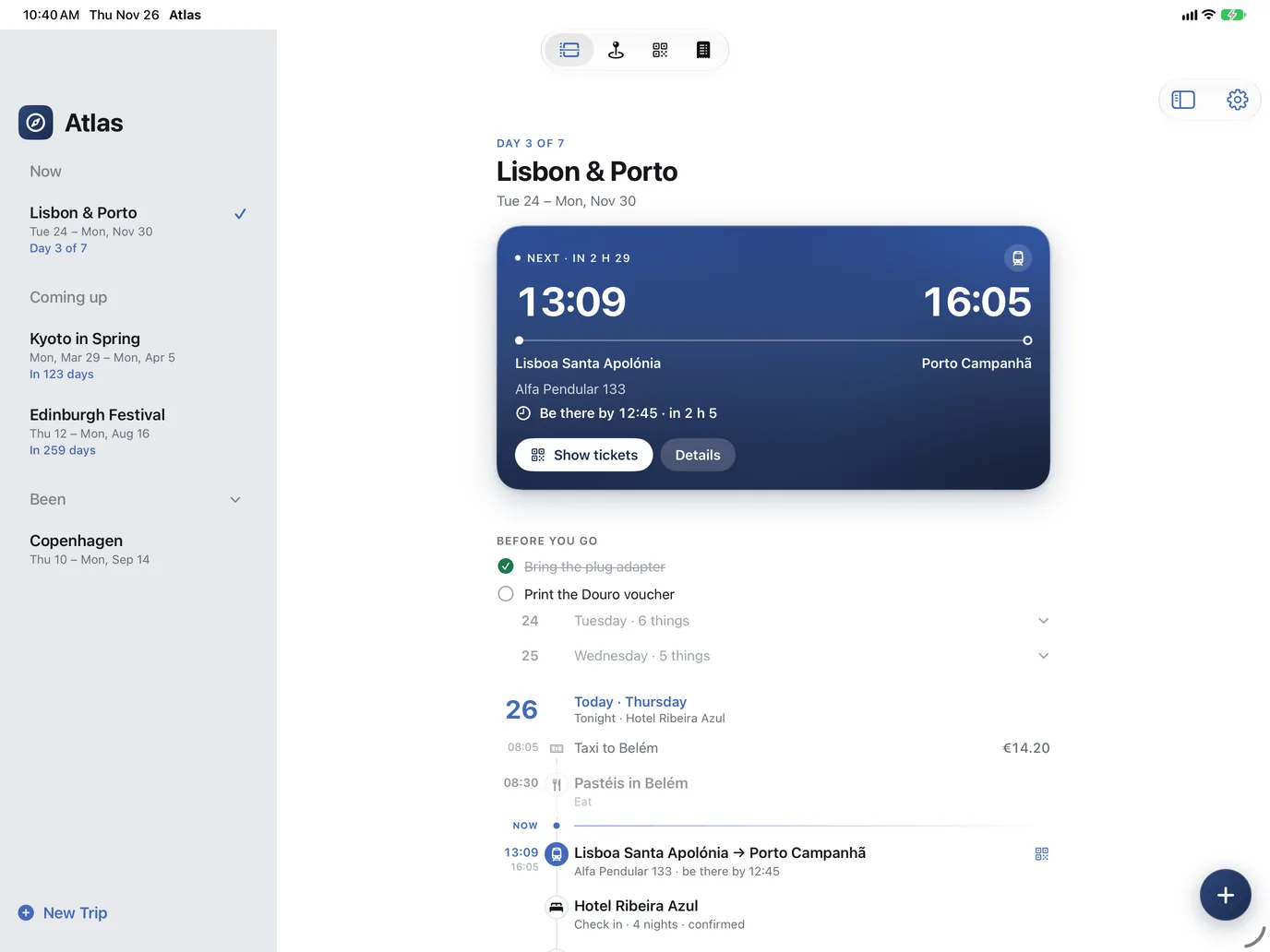
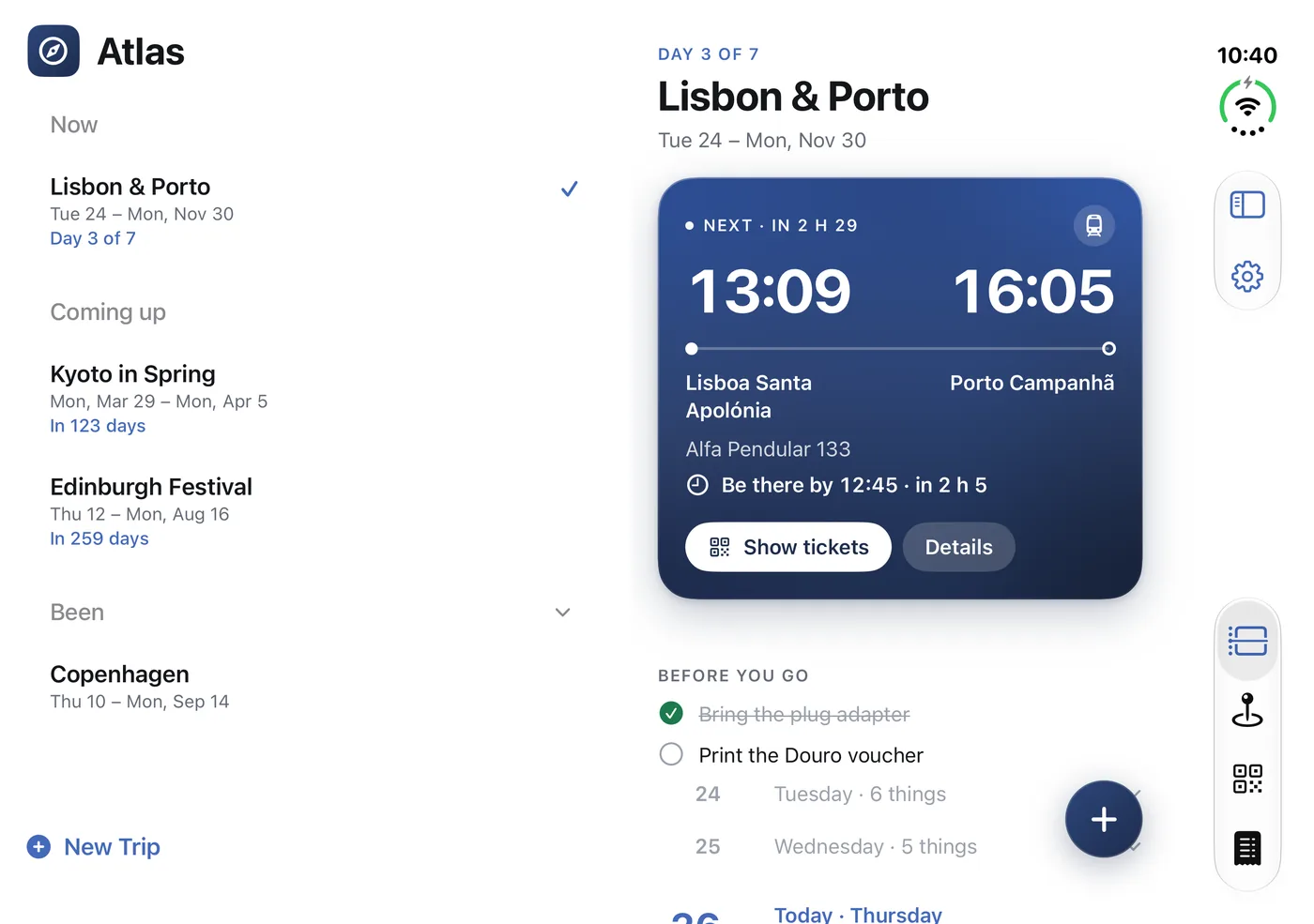
Atlas for iPhone and iPad is in TestFlight. Write to shearm@mac.com and I'll send you an invitation.
Download Atlas for Mac
Free, with every feature. Atlas checks for updates and asks before installing one.
- Open the downloaded Atlas.dmg.
- Drag Atlas into the Applications folder.
- Open it. The introduction shows you round; make your first trip with New Trip.